Photo Enhancer Online Free No Watermark No Sign Up: A Realistic Guide to 8K Quality
The Struggle to Find a Photo Enhancer Online Free No Watermark No Sign Up
We have all been there: you upload a blurry memory, wait for the AI to process, and just as you click download, a giant logo appears across the center. The 'Bait-and-Switch' of free tools is the biggest time-waster in photo editing today. Most sites use the term 'free' as a hook to get your email address or force a subscription just to remove a watermark.
Honestly, if a site does not let you preview the watermark status before processing, it is likely wasting your time. I have seen many people give away their personal data only to receive a result that still requires a paid 'HD' upgrade. To avoid this, skip the generic Google ads and look for tools that offer direct 'Guest' processing or use browser-based cache for temporary edits.
Why Most Free Enhancers Fail to Deliver 8K Quality
The 'Waxy Skin' effect is where free enhancers usually fail. Many low-end AI models over-compensate for noise by smoothing everything out, making your friends look like plastic mannequins. Resolution is not the same as detail; simply doubling the pixel count (upscaling) without 'intelligently' recreating textures just results in a bigger, blurrier mess.
The truth is, most '8K' claims from free web tools are pure marketing. If the tool does not provide a 'Detail Enhancement' or 'Face Refinement' toggle, you are likely just getting a resized image with a sharpening filter. For a successful high-res result, the AI must reconstruct skin pores and hair strands rather than just smudging them into a flat color.
Practical Ways to Enhance Photos Without Watermarks
For those who want total control without the credit-card trap, open-source AI models are the gold standard. You can run software like 'Upscayl' locally on your computer. This path has a slight learning curve but guarantees no watermarks and 100% privacy forever. It is the only way to escape the 'daily credit' limit that plagues online tools.
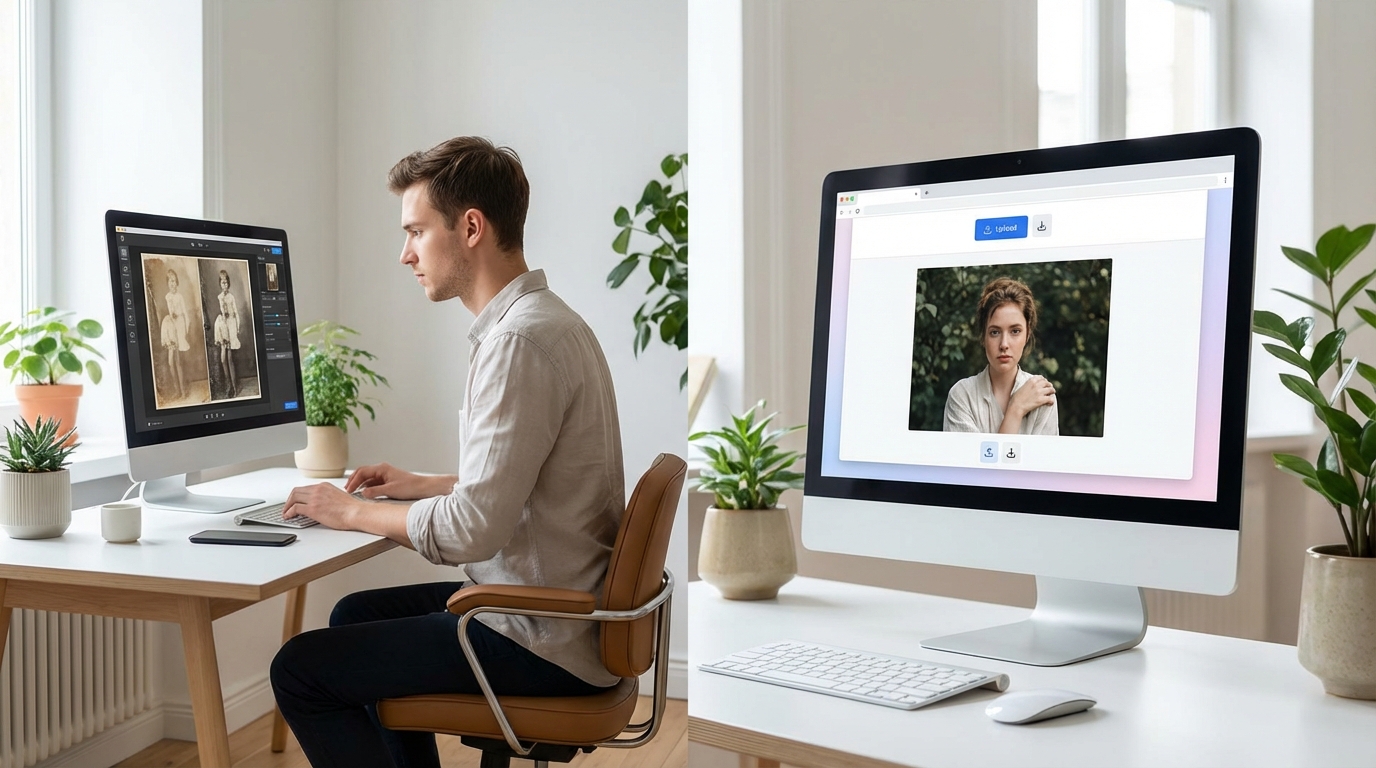
If you prefer the browser, look for 'Freemium' platforms that allow 1-3 high-resolution exports per day without an account. Use these credits for your most important shots. When restoring old family photos, always turn the 'Sharpen' setting down slightly; I have found that over-sharpening historical faces often destroys the original emotion of the photo.
A Faster Path for Social Media Creators
When you are prepping content for Instagram, 'natural' beats 'ultra-sharp' every time. You need an enhancer that understands the difference between a blurry background and a blurry subject. I have found that tools focusing on aesthetic restoration rather than just raw upscaling produce much higher engagement because they do not look 'AI-generated.'
It is about finding a balance where the lighting looks professional but the skin still looks real. For creators who need to jump from enhancement to posting without fighting complex software, Koinavi is a solid reference for keeping your workflow fast and your textures natural.
Choosing Your Best Photo Enhancer Online
Before you waste another ten minutes on a fake 'free' site, check the footer for a pricing page. If there is no mention of a free tier for high-res downloads, move on immediately. A quick comparison checklist should include: processing speed, whether it requires a login, and if it offers a side-by-side comparison view.
Take the 'No-Watermark Challenge' today: upload one photo to a new tool and check the corners at 200% zoom. If the edges look ghostly or jagged, the AI is not ready for your 8K needs. Stick to tools that prioritize texture over simple pixel multiplication.
👉 Free Online Generation 画像生成ページへ移動