AI Portrait Generator from Photo: How to Create Natural Social Media Portraits for Free
AI Portrait Generator from Photo: How to Create Natural Social Media Portraits for Free
Why Most AI Portrait Generator Outputs Feel 'Off' for Social Media
The Struggle with the Uncanny Valley
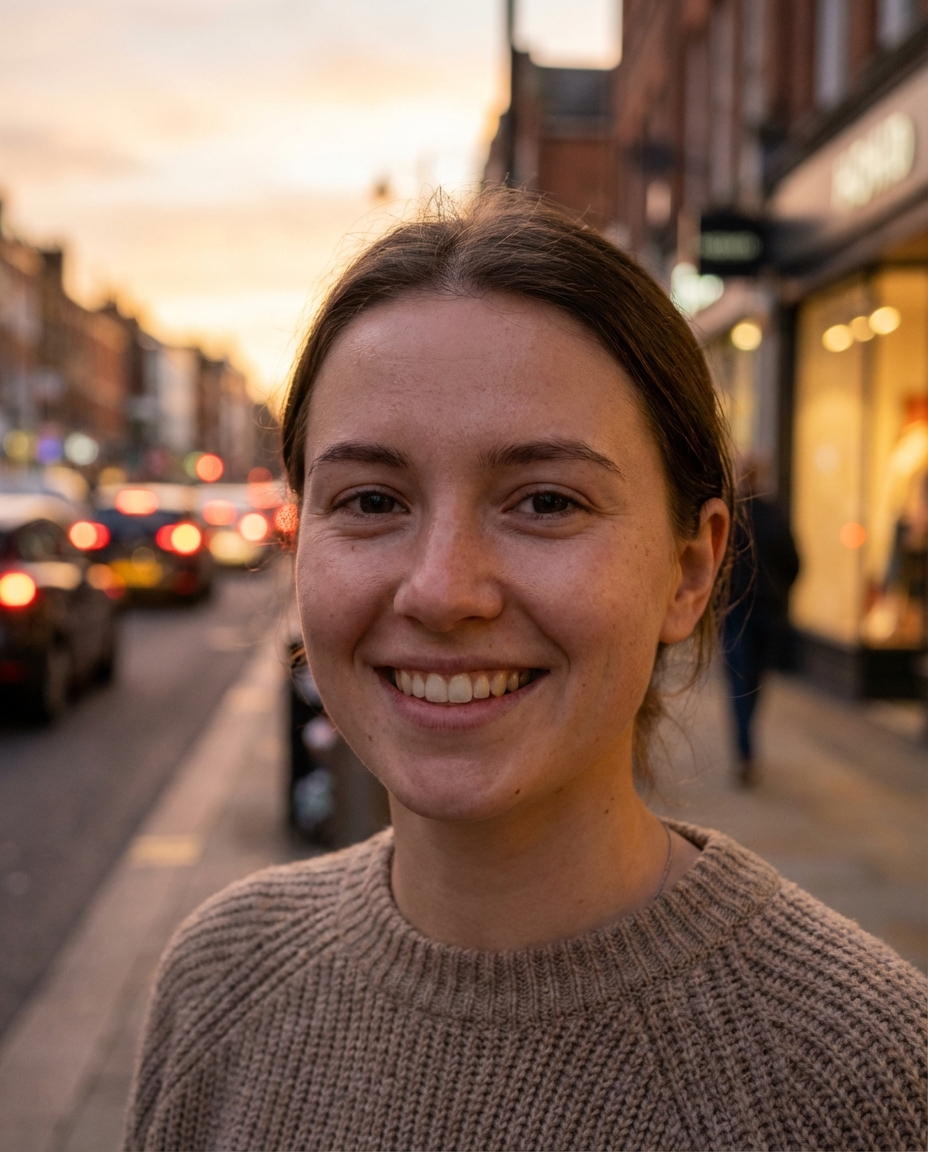
We have all seen those AI photos where the skin looks like polished marble and the eyes have a haunting, robotic stare. If your portrait looks like a wax figure, it is a total fail for a personal social media feed where authenticity is currency. The risk here is the 'uncanny valley' effect, which immediately signals to your followers that the image is fake and 'plastic'.
In my experience, the most common pitfall is choosing a model that over-smooths everything. Loss of Personal Identity: Many tools change your bone structure or eye shape so much that you are no longer recognizable. To fix this, always look for settings that prioritize 'face restoration' or 'identity preservation' over heavy artistic filters.
Common Mistakes When Using an AI Portrait Maker
Ignoring the Quality of the Source Image
Honestly, if your base photo is a blurry selfie taken in a dark room, no AI portrait generator from photo can perform a miracle. The 'garbage in, garbage out' rule is absolute here. When you provide a low-quality source, the AI has to 'hallucinate' details, which often leads to distorted features or weird artifacts like extra fingers or melting backgrounds.
Using Overly Complex AI Portrait Prompts: I have seen beginners try to use 50-word technical prompts they found online, only to end up with a mess. Instead of fighting with jargon, start with a clear, high-resolution photo with natural lighting. This gives the AI a solid foundation to work from without needing a PhD in prompt engineering.
How to Improve Quality Using an AI Portrait Enhancer and Editor
Restoring Texture with an AI Portrait Enhancer Free
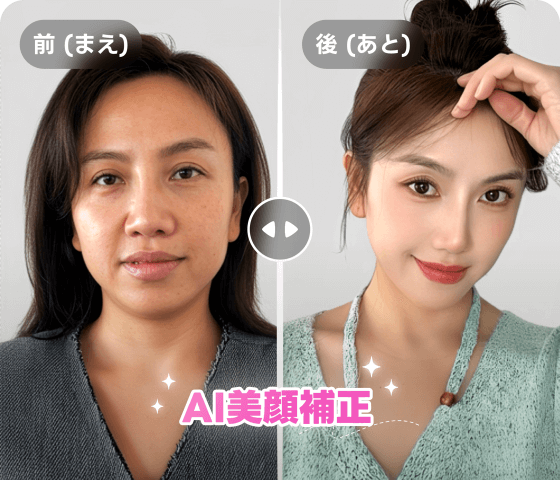
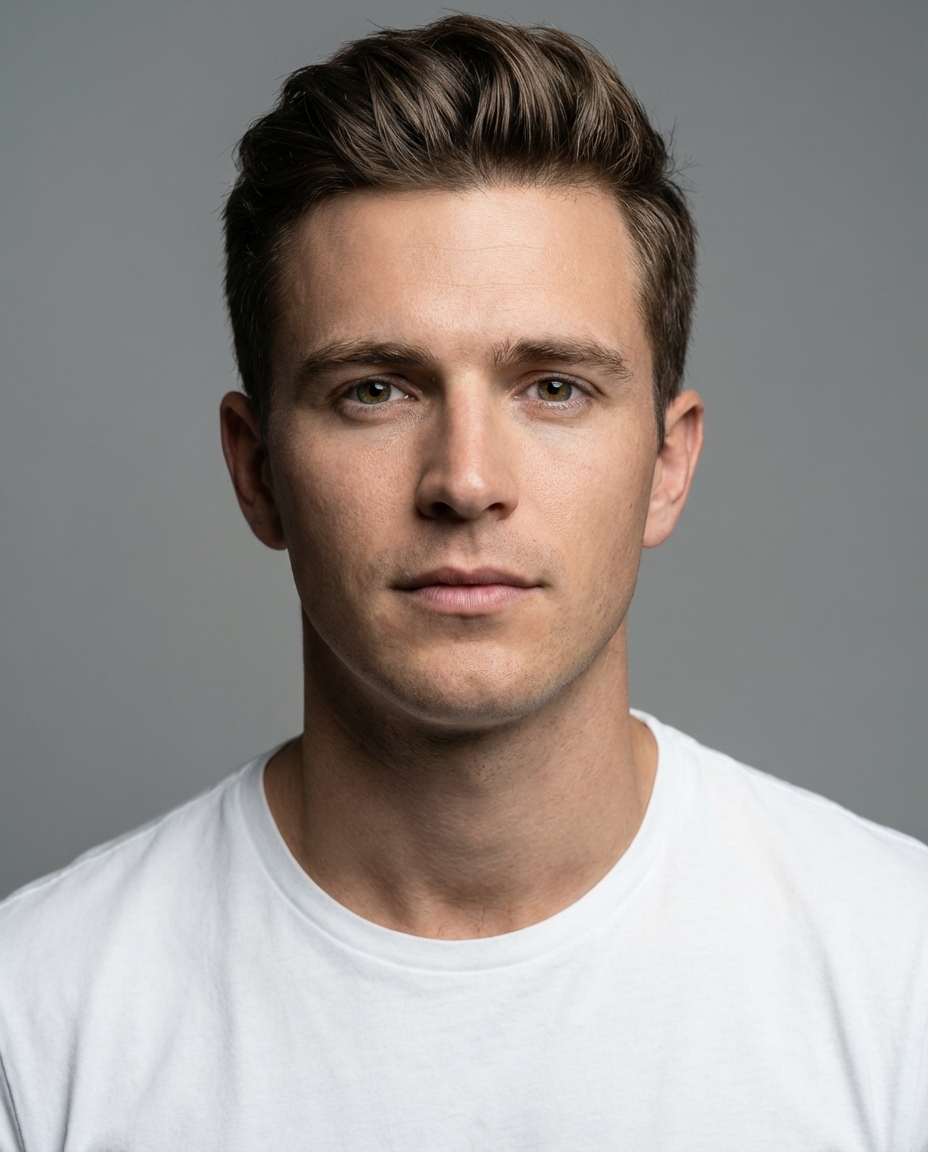
I have seen too many people stop at the initial generation phase, but that is usually where you lose the 'real' feel. Most raw AI outputs lack the fine pores and hair strands that make a photo look human. If the result feels a bit soft or blurry, it is because the generation process has averaged out the textures.
To solve this, run your image through an AI portrait enhancer to bring back that sharp, high-definition clarity. Refining Details with an AI Portrait Editor: You should also use a basic editor to manually tweak the exposure and contrast. A slight adjustment to the shadows can make an AI-generated face pop and look like it was shot in a professional studio rather than a computer lab.
A Simpler Way to Get Natural Results with an AI Portrait App
One-Click Instagram Styles for Daily Life
Most users do not have the time to be prompt engineers or spend hours in an editor. If you are struggling to get a consistent 'vibe' for your feed, you are probably using a tool that is too generic. The risk is wasting hours generating hundreds of images just to find one that does not look embarrassing.
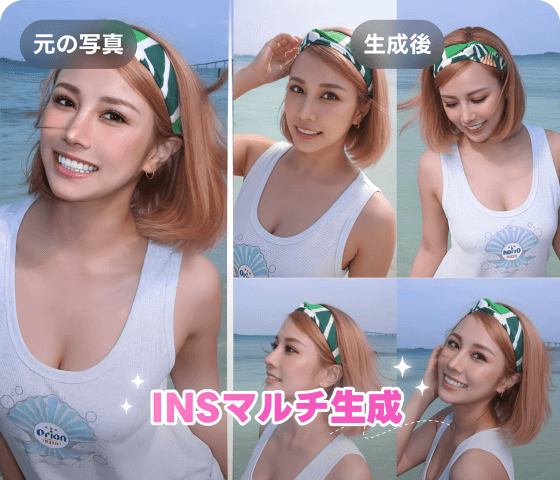
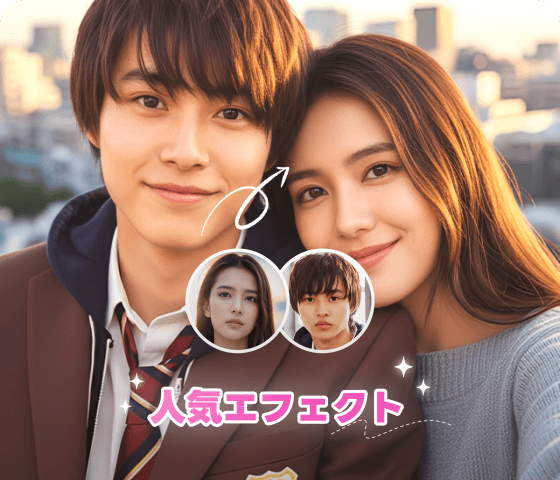
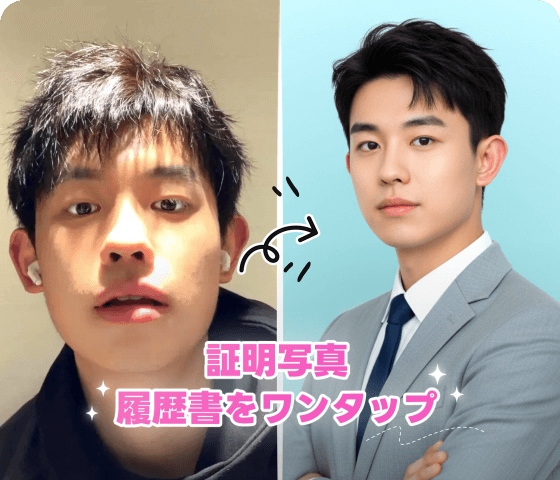
Using a streamlined AI portrait app can handle the heavy lifting for you by applying pre-set aesthetics like 'street style' or 'golden hour' automatically. Automated Skin Smoothing and Makeup Suggestions: Modern integrated studios now handle both enhancement and subtle styling in one step, ensuring you look like the best version of yourself without the 'AI-overkill' look. Tools like Koinavi can help bridge this gap by providing more stable, natural-looking outputs for your daily posts.
Next Steps for Your AI Portrait Gift or Social Profile
Testing Different Styles for Your Feed
Do not settle for the first result you get. AI is a numbers game, and your first attempt is rarely the best one. The biggest mistake is sticking to one style that might not actually resonate with your audience or suit the 'gift' vibe you are going for. Experiment with different lighting and backgrounds to see what feels most natural.
Safety and Privacy Tips for AI Photos: Always be mindful of the data you upload to free online tools. Stick to reputable apps that have clear privacy standards to ensure your personal photos are not being used for training without your consent. Once you find a style that works, keep it consistent to build a recognizable personal brand.
👉 在线免费生成画像生成ページへ移動 或 👉 在线免费生成テキスト返信ページへ移動 KoiNaviをダウンロード