AI Portrait Generator Free: How to Create and Enhance Natural Social Media Photos
AI Portrait Generator Free: How to Create and Enhance Natural Social Media Photos
Why Most Free AI Portraits Don't Look Right on Social Media
The 'Uncanny Valley' and Fake Skin Textures
One of the biggest risks when using a free AI portrait generator is ending up with skin that looks like polished plastic. If your face lacks natural pores or subtle imperfections, it immediately triggers the 'uncanny valley' effect where viewers feel something is off. To be honest, I've seen too many people post photos that look more like 3D game characters than real humans, which completely kills your social media credibility.
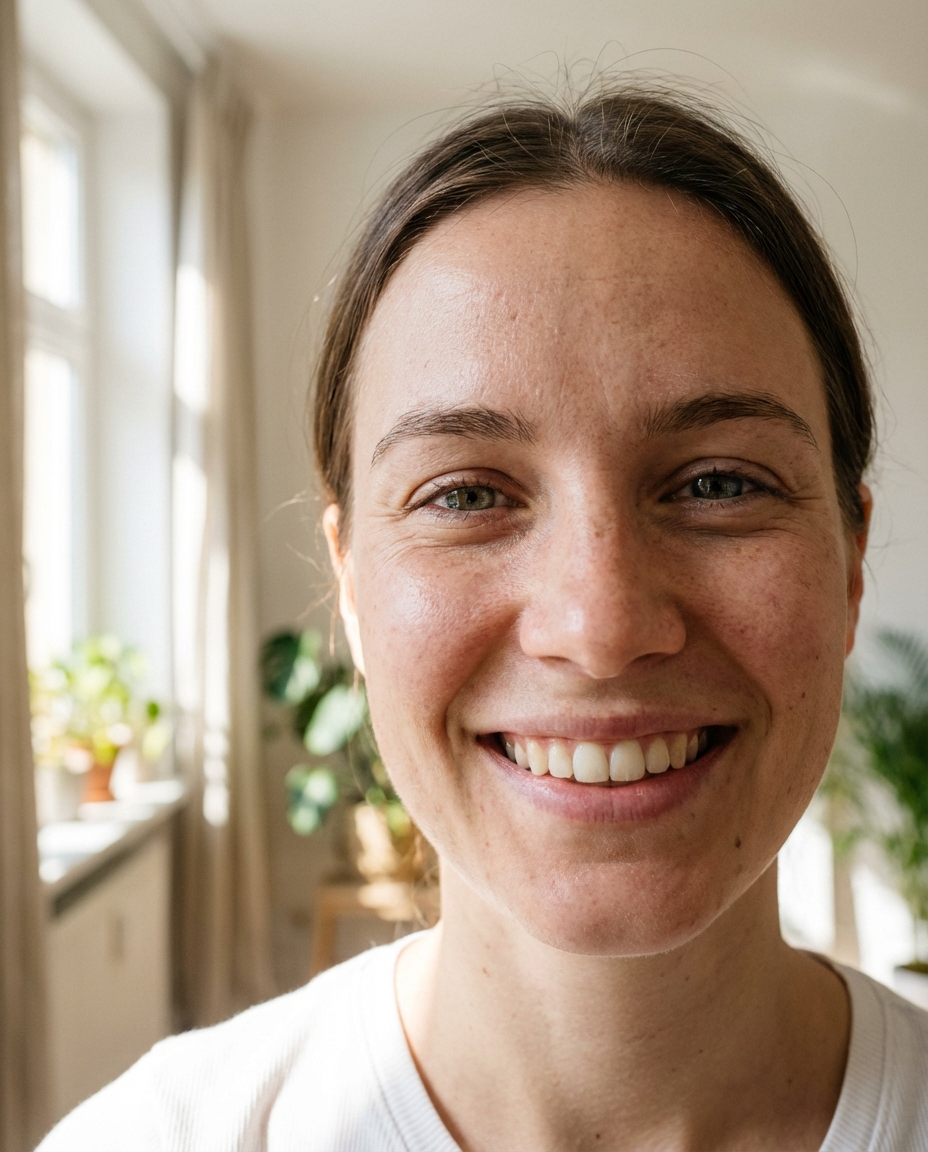
To fix this, you need to prioritize tools that focus on texture retention rather than just smoothing everything out. Standard filters: basic apps miss the airy vibe because they often just apply a flat color overlay instead of recalculating how light hits a human face. If the AI doesn't understand depth, your portrait will always look like a cheap sticker.
Common Mistakes When Using an AI Portrait Maker
Over-Processing and Losing Natural Details
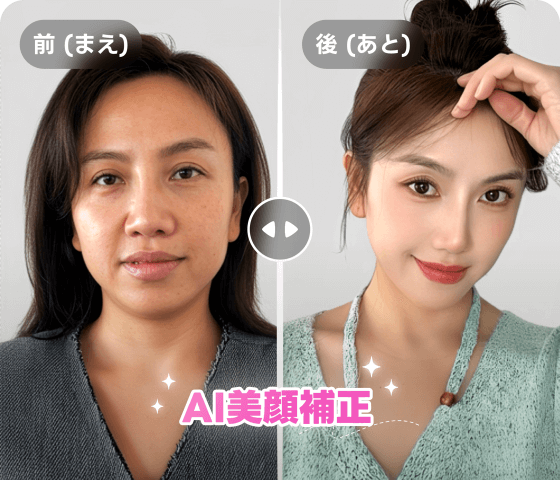
The most common failure is turning the 'beauty' slider to 100%. When you lose the natural lines around the eyes or the bridge of the nose, you lose your identity. I've noticed that most beginners think 'smoother is better,' but in reality, it just makes the photo look fake and dated. The solution is to keep at least 30% of the original skin texture visible to maintain that 'human' feel.
Generic AI portrait prompts: vague instructions like 'pretty girl' or 'handsome man' usually result in stiff, robotic poses and boring backgrounds that scream 'AI generated.' Also, Lighting harmony: inconsistent lighting between the subject and the background is a dead giveaway. If your face is lit from the front but the background has a sunset behind it, the photo will never look professional.
How to Use an AI Portrait Generator from Photo Free for Better Results
Selecting the Right Base Photo for AI Retouching
Garbage in, garbage out—this is the golden rule of AI. If you start with a blurry, low-light selfie, the AI will struggle to reconstruct your features and will likely hallucinate weird artifacts. Honestly, if your base photo is poor, no amount of AI magic can save it. You should always use a clear, high-resolution photo with natural, front-facing light as your starting point.
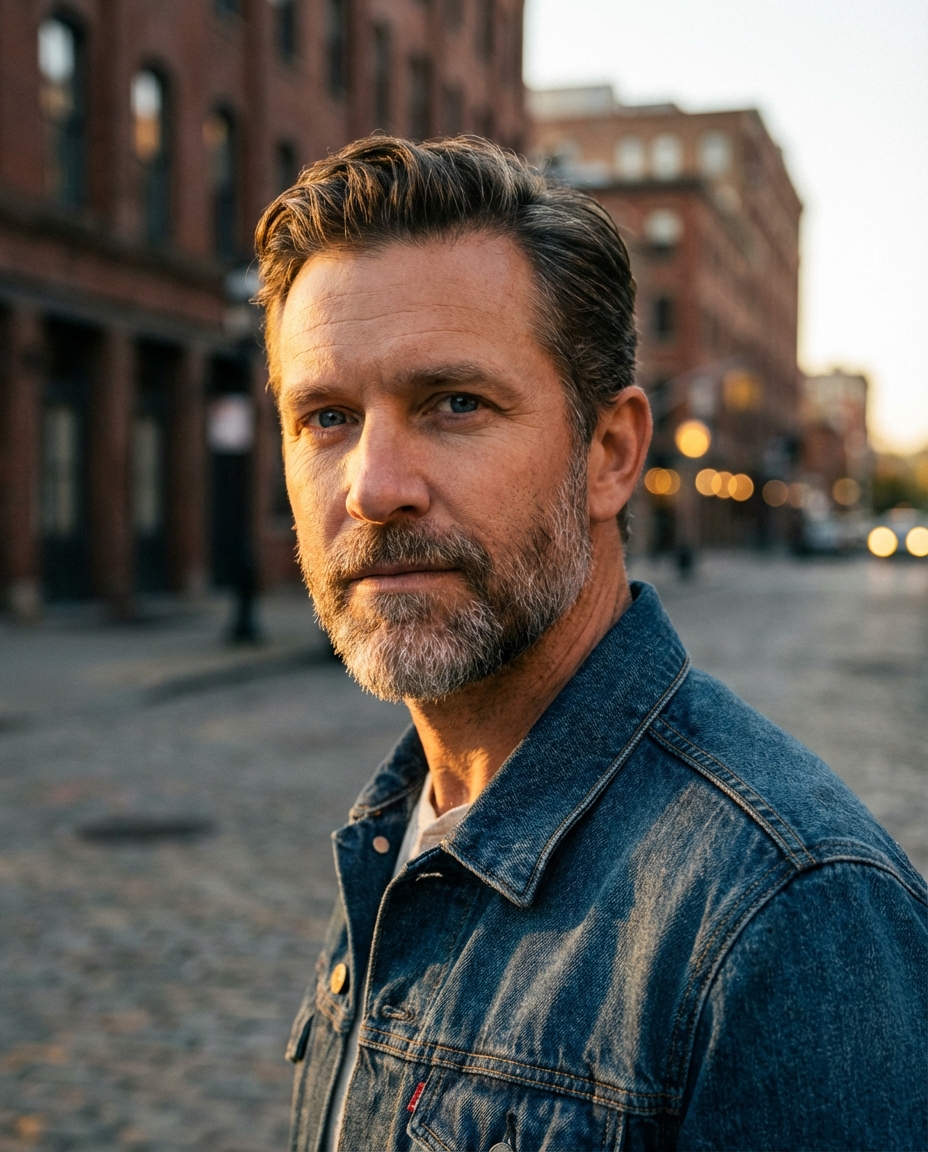
Crafting prompts: describe lighting using specific terms like 'golden hour' or 'soft window light' to achieve that specific Instagram aesthetic. Manual vs. AI-driven: modern workflows allow you to automate the tedious parts of retouching, but you should still perform a final manual check to ensure your eyes and hair look natural and sharp.
Achieving Professional Results Faster with AI Portrait Studio Tools
Natural Skin Smoothing and HD Enhancement
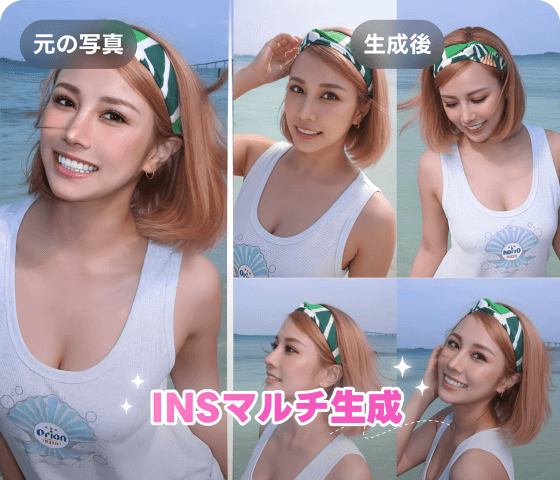
To get a professional studio look without the studio price, you need a tool that can handle HD enhancement. The risk with many free tools is that they downscale your image, making it look grainy when uploaded to social media. I've found that using a dedicated studio tool ensures the final output is sharp enough for any platform. Koinavi is a great reference for those who want to maintain high-definition details while smoothing out skin naturally.
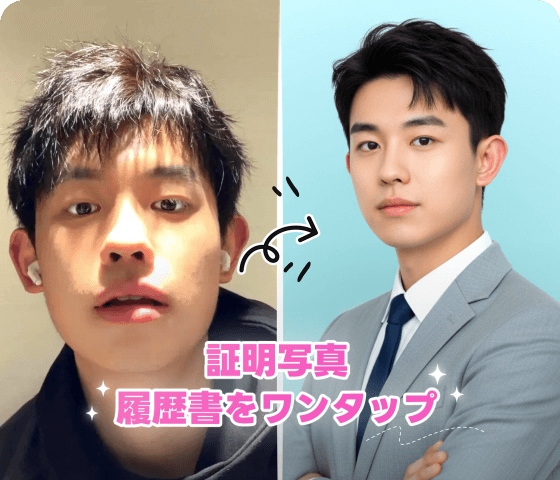
One-click styles: street and travel presets are a lifesaver if you don't want to spend hours learning prompt engineering. Coordinating looks: AI suggestions for makeup and outfits can help you visualize a complete 'vibe' before you even take the photo, ensuring your feed looks cohesive and stylish. KoiNaviをダウンロード
Next Steps for Your AI Social Media Portrait
Matching Your Portrait with Social Media Copy
A perfect photo can still fail if the caption feels disconnected. The biggest mistake is posting a high-end AI portrait with a generic, bot-like caption. If the visual and the text don't match, your followers will feel the lack of authenticity. Pair your enhanced portraits with storytelling that reflects the mood of the image to keep your engagement high.
AI portrait challenges: community engagement is the fastest way to see what styles are currently trending. By participating in these challenges, you can see how others are using prompts to get natural results and apply those lessons to your own photos.
👉 在线免费生成画像生成ページへ移動 👉 在线免费生成テキスト返信ページへ移動