How to Use an AI Portrait Generator from Photo Free for Stunning Social Media Profiles
How to Use an AI Portrait Generator from Photo Free for Stunning Social Media Profiles
The Challenge of Getting the Perfect Social Media Portrait
Why traditional selfies often fail to impress
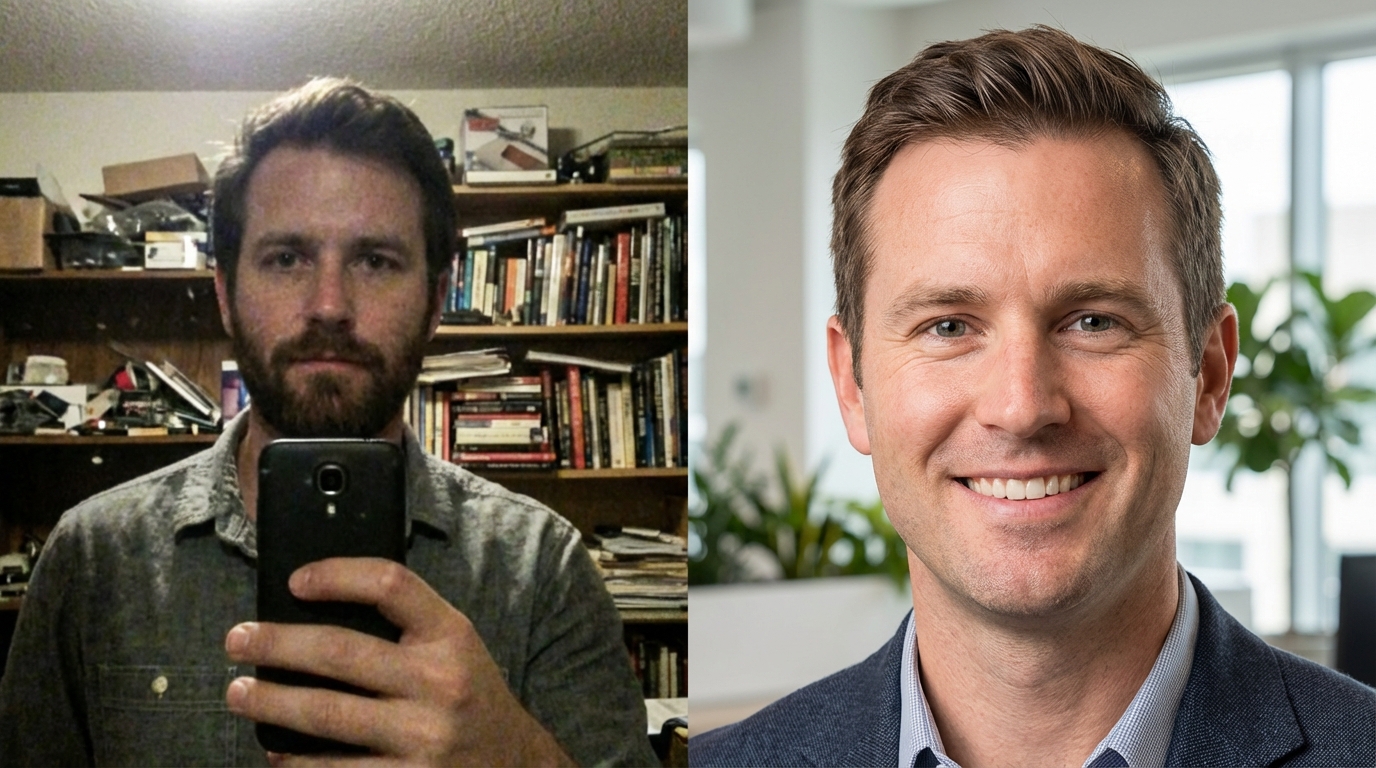
We've all been there—trying to find that one corner of the house with decent lighting, only to end up with a grainy photo and a messy bookshelf in the background. The truth is, traditional selfies usually fail because our homes aren't professional studios. Over-edited or 'fake' looking filters: many people try to hide bad lighting with standard beauty apps, but it usually results in a muddy, unnatural look that screams 'amateur'.
If your current profile picture feels cluttered or dark, stop trying to fix it with basic filters. You need a tool that understands how to separate the subject from the noise. I've seen many people waste hours on a single selfie when they should have just used AI to fix the environment rather than just smoothing their skin.
Why Most Free AI Portrait Generators Fail to Look Natural
The Uncanny Valley: Why AI faces sometimes look 'off'
Most free tools are a trap. They often produce the 'Uncanny Valley' effect—where the eyes are too symmetrical or the skin looks like polished plastic. It's embarrassing to post a photo where your friends can immediately tell it's fake. If the AI changes your jawline or eye shape too much, you lose your identity entirely.
Resolution loss and compression issues: many tools produce blurry images that look terrible on high-res screens. If the final result looks like a 2010 webcam photo, it's going to kill your social credibility. To avoid this, always check if the tool maintains your core facial features rather than replacing them with a generic model.
Choosing Between Text-to-Portrait and Photo-to-Portrait Methods
Using an AI portrait generator from photo for realistic results
There's a big difference between generating a fantasy character and creating a professional profile picture. If you want to be recognized in person, you must use a photo-to-portrait method. Using an AI portrait generator from text: while great for DnD or creative avatars, text prompts are notoriously bad at capturing your actual likeness.
I've found that starting with a clear, front-facing photo is the only way to ensure the AI keeps your unique features. Don't rely on text descriptions of yourself; you'll just end up with a generic version of a human that looks nothing like you. This is the biggest mistake people make when trying to 'save time'.
How to Generate High-Quality Ins-Style Portraits with KoiNavi
Achieving natural skin smoothing and HD enhancement
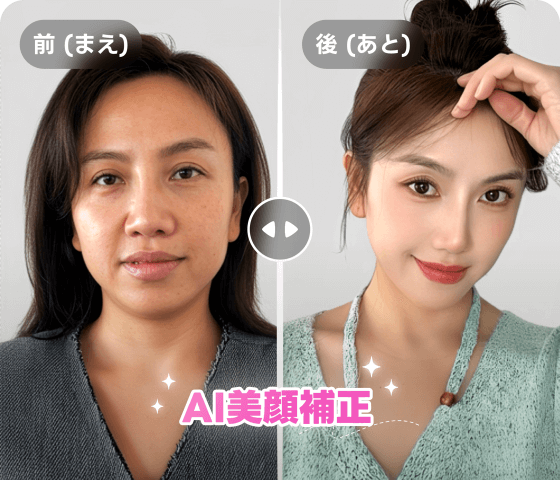
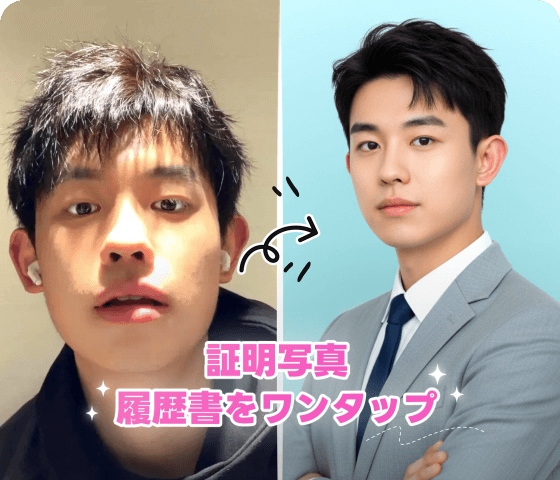
To get that 'Instagram aesthetic' without looking like a CGI character, you need subtle skin smoothing. Most people overdo it and end up looking like a wax figure. Customizing emotional styles: it's vital to tailor your portrait's vibe—LinkedIn requires a different energy than a casual Instagram post.
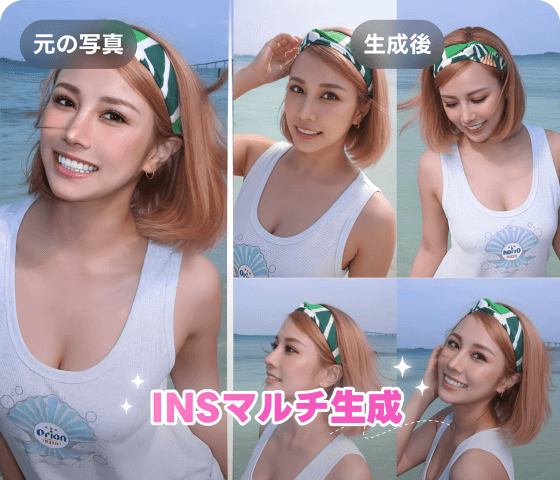
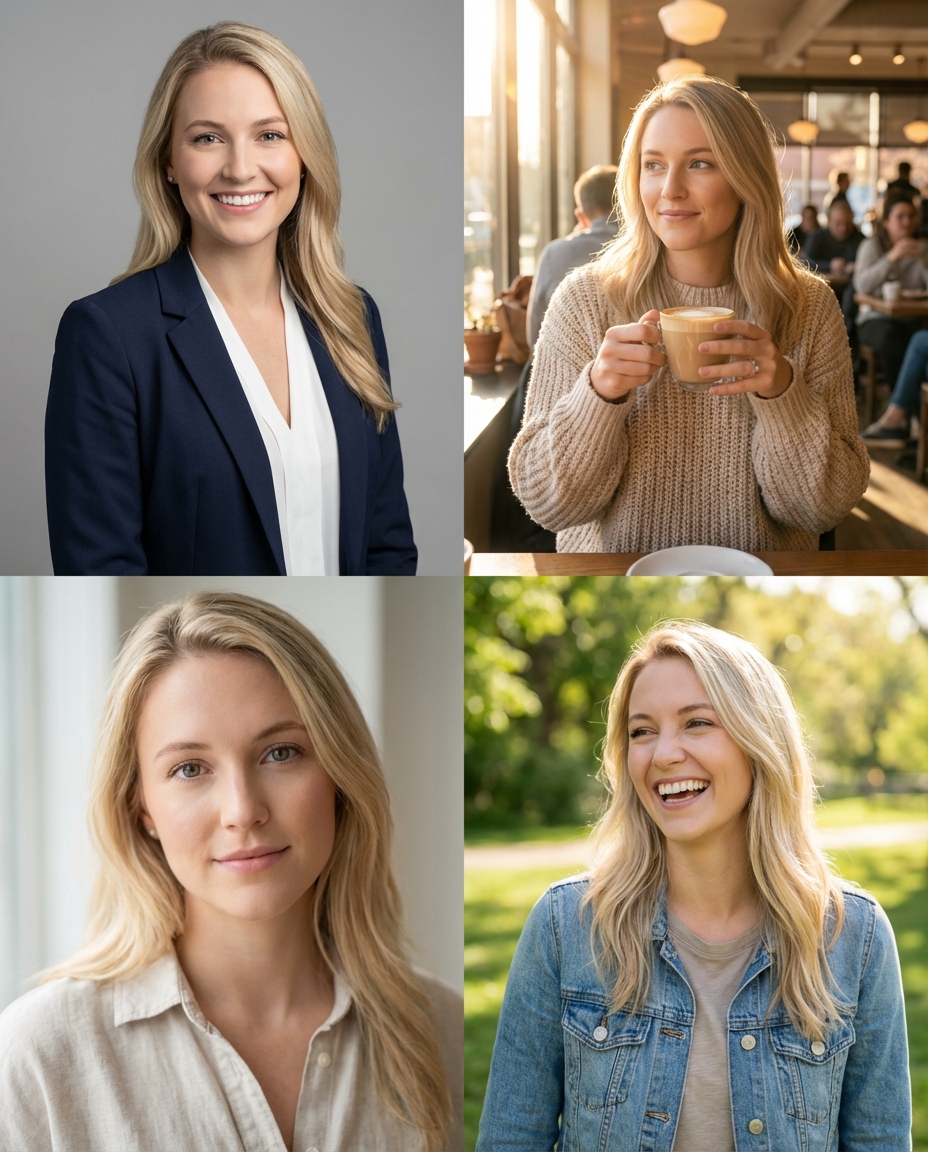
Batch generating multiple styles: I recommend generating at least five variations at once. This allows you to compare different lighting and 'vibes' to see which one actually feels like you. Using a tool like KoiNavi can significantly reduce the trial and error involved in this process.
Maximizing Your Social Reach with AI-Enhanced Content
Best practices for profile picture updates
A new profile picture isn't just about looking good; it's an algorithm trigger. When you update your photo, platforms often push your profile to more people. However, if the photo is low quality, people won't click. Pairing your portrait with optimized social media captions: don't just change the photo and disappear; use the update to share a brief, engaging thought to boost interaction.
The best strategy is to update your portrait during peak hours for your specific audience. A fresh, high-quality look signals to the algorithm that you are active and professional. Using a tool like KoiNavi can be a helpful way to ensure your new look meets these professional standards without the high cost of a studio session.
👉 Free online generation 画像生成ページへ移動