AI Portrait Generator Free: How to Create Stunning Portraits from Photo or Text
AI Portrait Generator Free: How to Create Stunning Portraits from Photo or Text
Why Most AI Portrait Generators Fail to Look Natural
The 'Uncanny Valley' effect in social media avatars
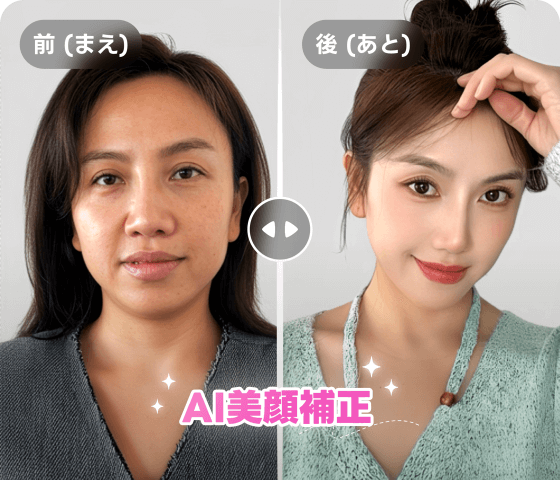
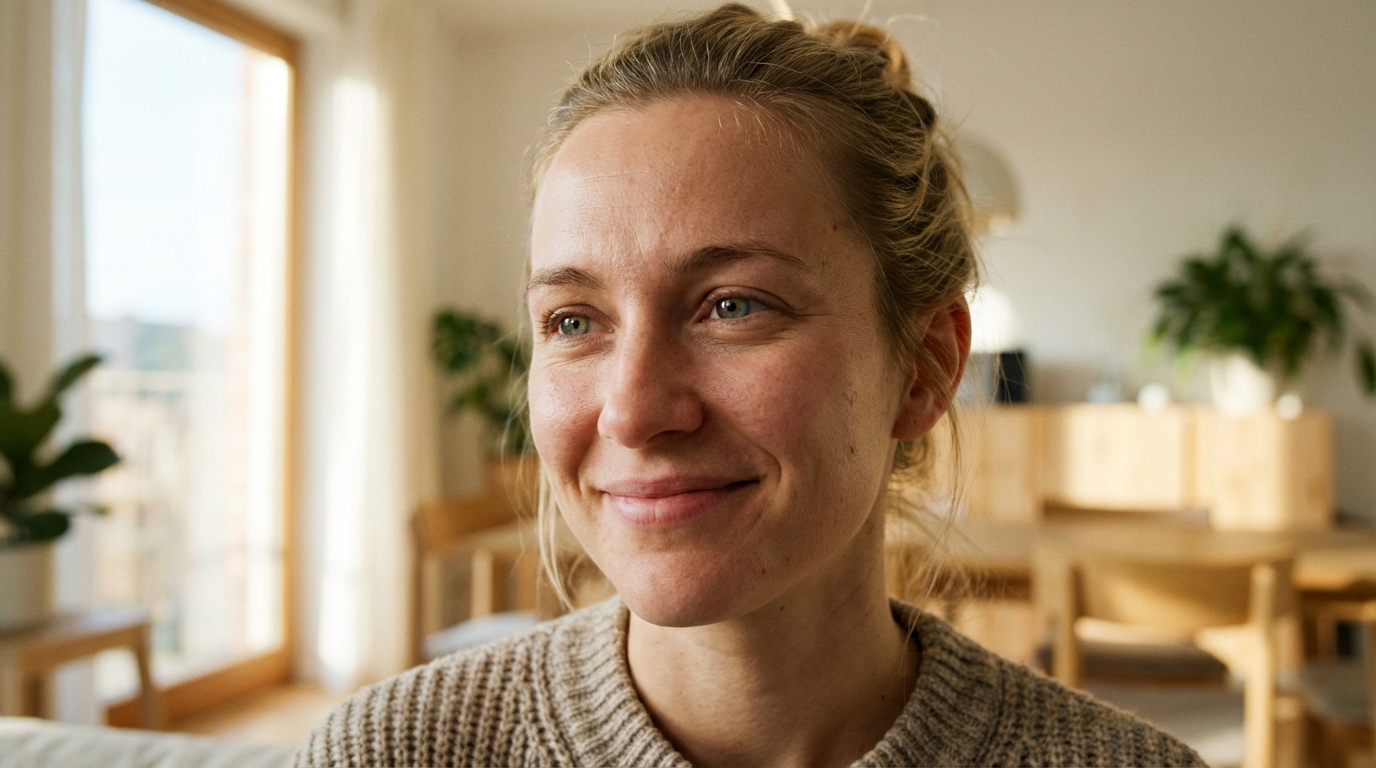
I've seen it a thousand times: you upload a selfie, and the AI spits out a version of you that looks like a wax figure. This 'Uncanny Valley' effect is the biggest risk when using an AI portrait generator free online. If the skin is too smooth or the eyes lack a natural glint, it won't work for professional use. You need a tool that understands human texture, not just geometry. Low-resolution distortion: Many free tools also fail by outputting blurry or warped features. If your preview looks like a painting from a distance but a mess up close, it's time to switch tools.
Understanding the Difference: AI Portrait Generator from Photo vs. Text
Why source photo quality matters more than you think
The truth is, your AI portrait is only as good as your input. If you use a grainy, dark selfie, the AI will struggle to map your face correctly, leading to 'hallucinated' features that don't look like you. I always tell people to use a front-facing photo with natural light. Prompt-based generation: While an AI portrait generator from text is amazing for creating DND characters or fantasy art, it's rarely the right choice for a realistic profile picture. Text is for imagination; photos are for likeness.
Step-by-Step: How to Use an AI Portrait Generator Free Online
Uploading your photo for a consistent likeness
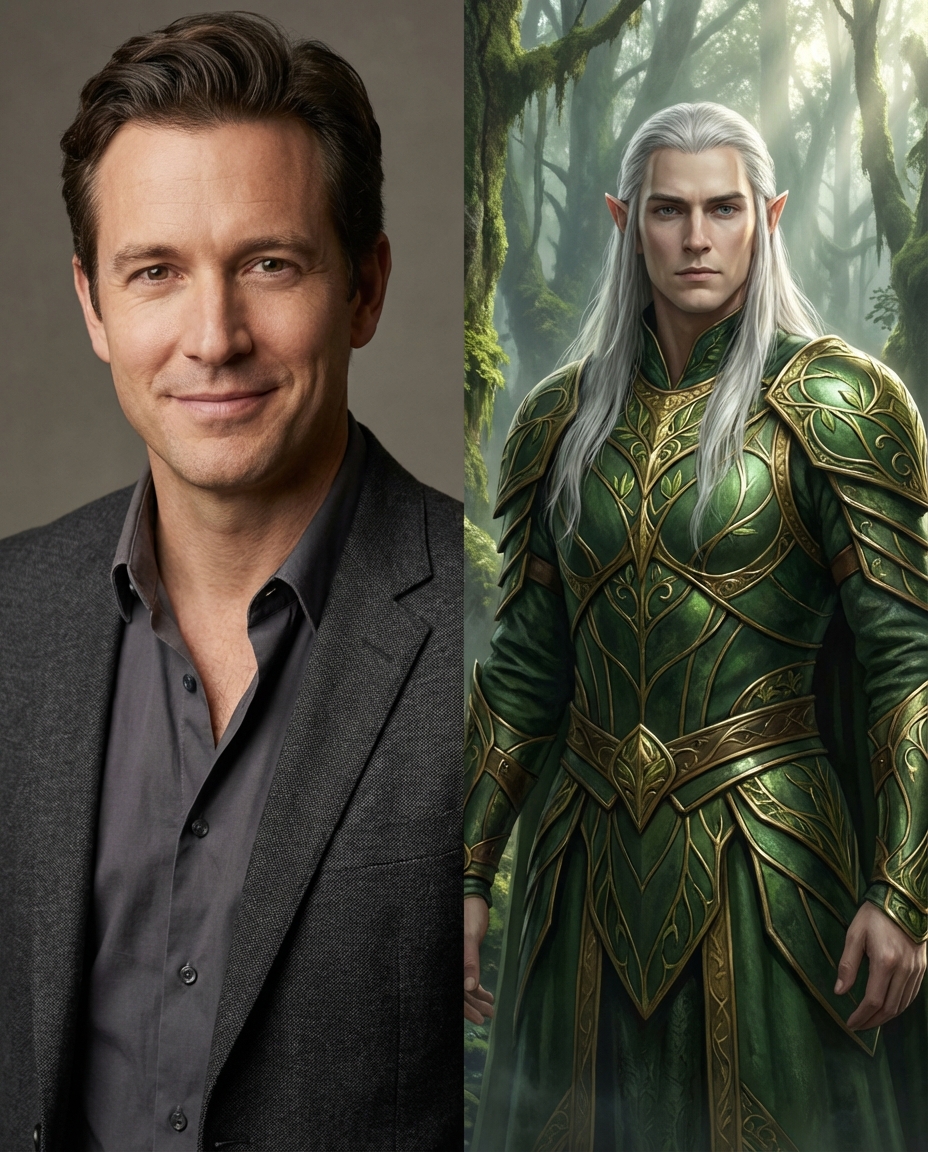
When you upload, the key is the 'strength' setting. If it's too high, the AI overwrites your identity. I recommend starting at a medium setting to ensure your friends actually recognize you. Creative character prompts: For those using an AI portrait generator for DND, get specific. Don't just say 'elf'; say 'high elf with silver hair, wearing ornate emerald armor, cinematic lighting'. This prevents the AI from defaulting to boring, generic tropes.
A Faster Way to Get High-Resolution, INS-Style Portraits
Using tools like KoiNavi for one-click social media optimization
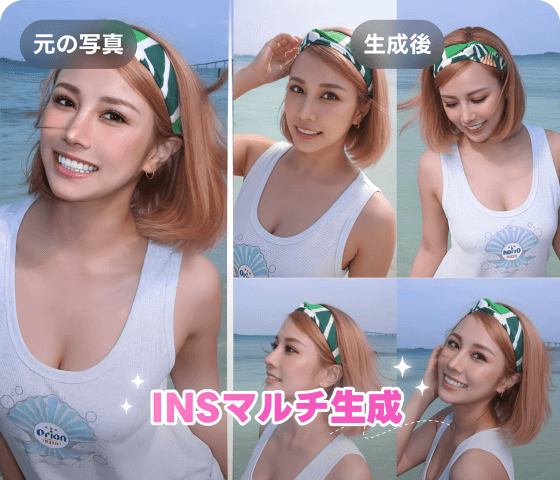
Let's be real: most of us don't want to spend hours tweaking prompts. We just want a photo that looks good on Instagram or LinkedIn. Specialized AI assistants are much better at capturing that 'INS-style' aesthetic automatically. Multi-style generation: These platforms often allow you to swap outfits or backgrounds in one click, which is a massive time-saver compared to manual editing. Using a streamlined service like Koinavi can help you get that professional finish without the technical headache.
Practical Tips for Your First AI Portrait Project
Choosing the right trend for your LinkedIn or Instagram profile
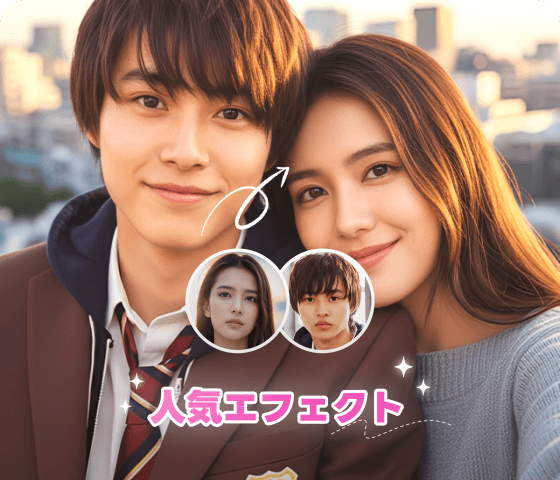
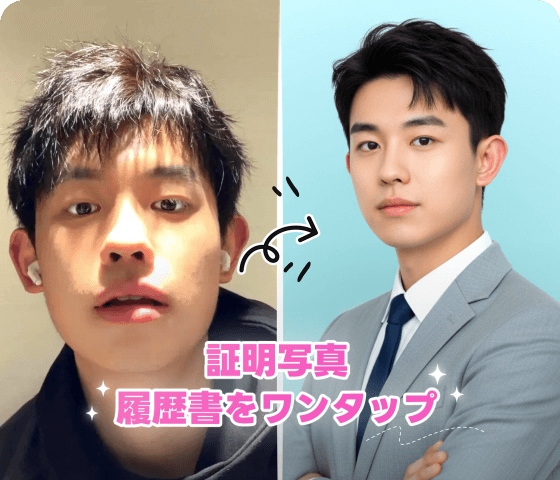
The biggest mistake is picking a style that doesn't match your platform. A neon-lit 'cyberpunk' look is cool for Discord but will look ridiculous on a corporate resume. Always align the 'trend' with your professional goals. Refining DND lore: For gamers, use the background to tell your story. Adding keywords like 'ancient library' or 'battlefield mist' makes your character portrait feel alive and integrated into your campaign's world.
👉 Generate 画像生成ページへ移動 for free online or 👉 Generate テキスト返信ページへ移動 for free online